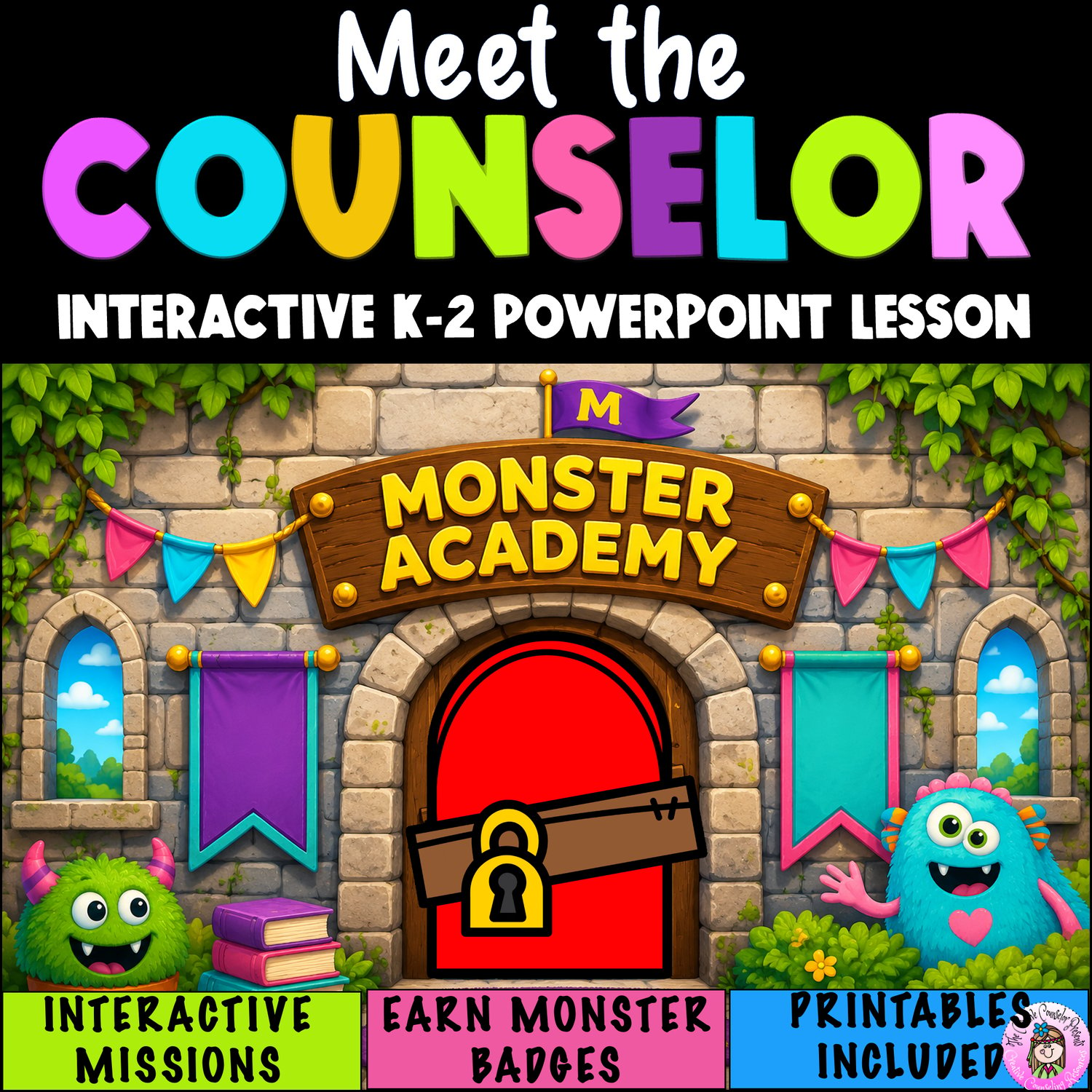
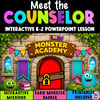

Meet the School Counselor Beginning of Year Back to School Escape Room Lesson
Skip the boring Meet the Counselor beginning-of-the-year lesson! This Back-to-School digital Escape Room turns your Counselor Introduction into a monster-sized adventure. K–2 students solve clues, earn Monster Badges, and discover who the school counselor is, how the counselor can help, and how to ask for help. Just open the PowerPoint, present, and let the Monster Academy adventure begin!
What's Inside This Lesson
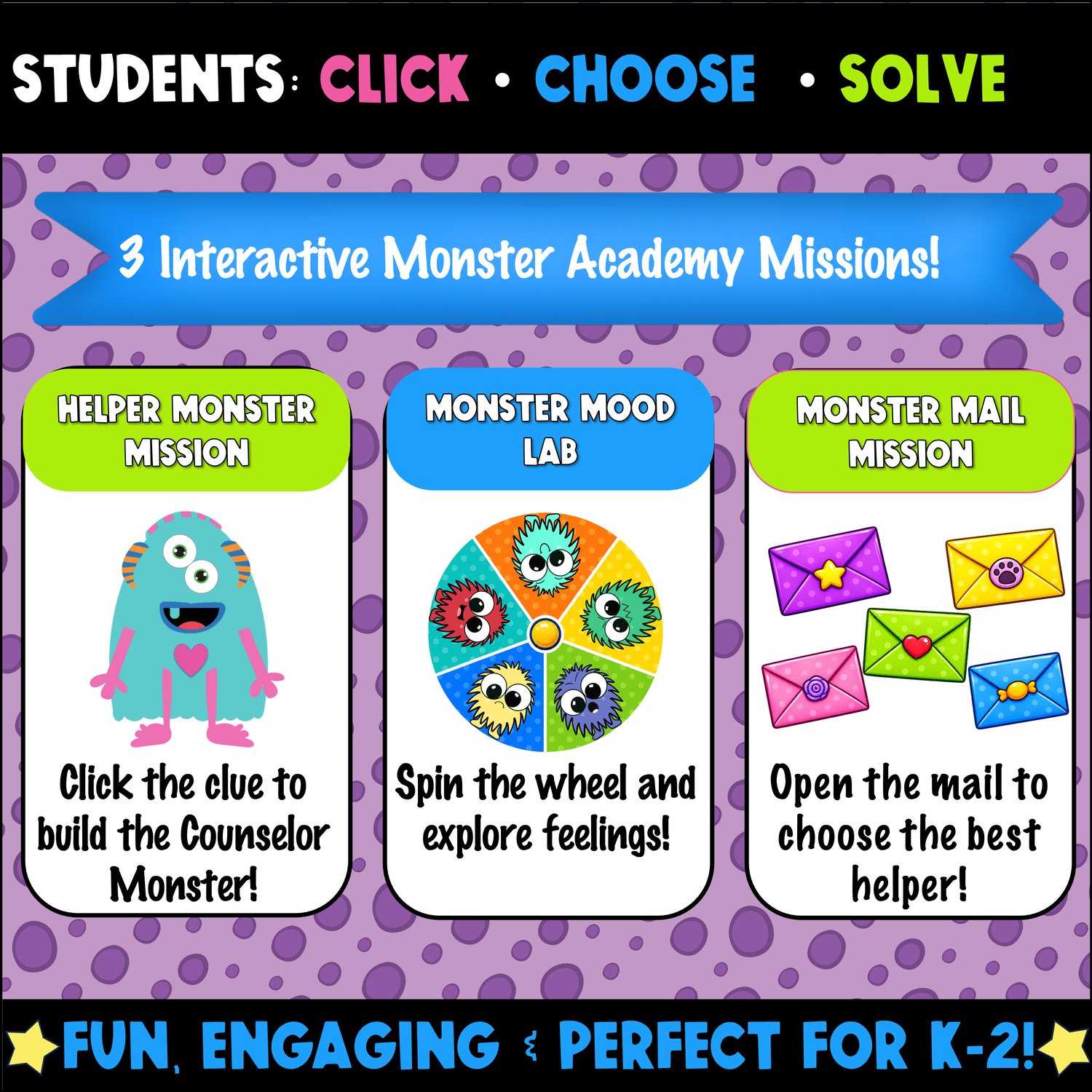
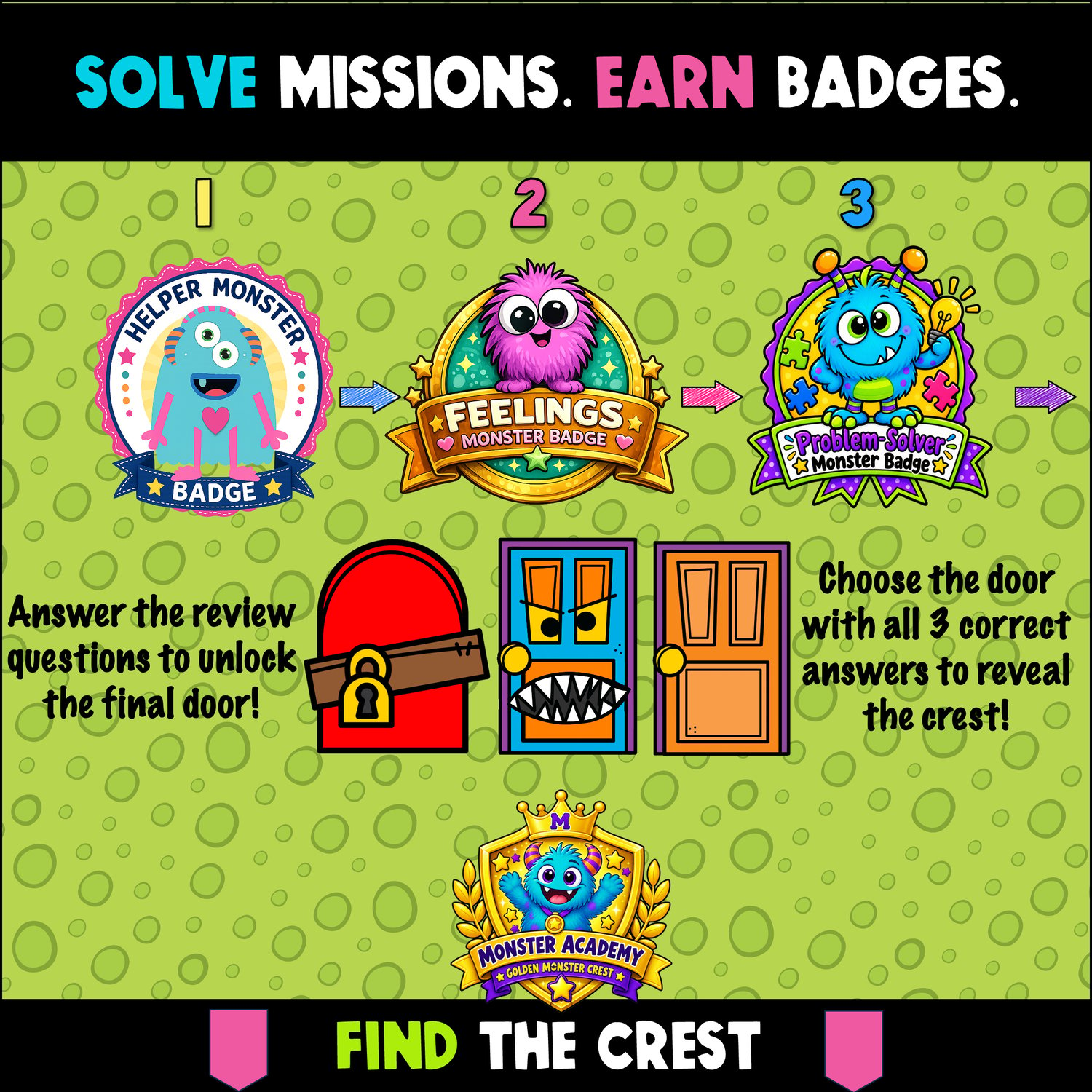
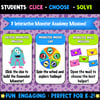
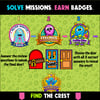
Students complete 3 interactive Monster Academy missions and a final challenge to find the Golden Monster Crest!
👾 Build the Counselor Monster — Discover how a school counselor helps
🎡 Monster Mood Lab — Identify feelings and choose helpful responses
💌 Monster Mail — Decide who is the best person to ask for help
🏆 Final Puzzle — Answer counselor questions to reveal the Golden Monster Crest
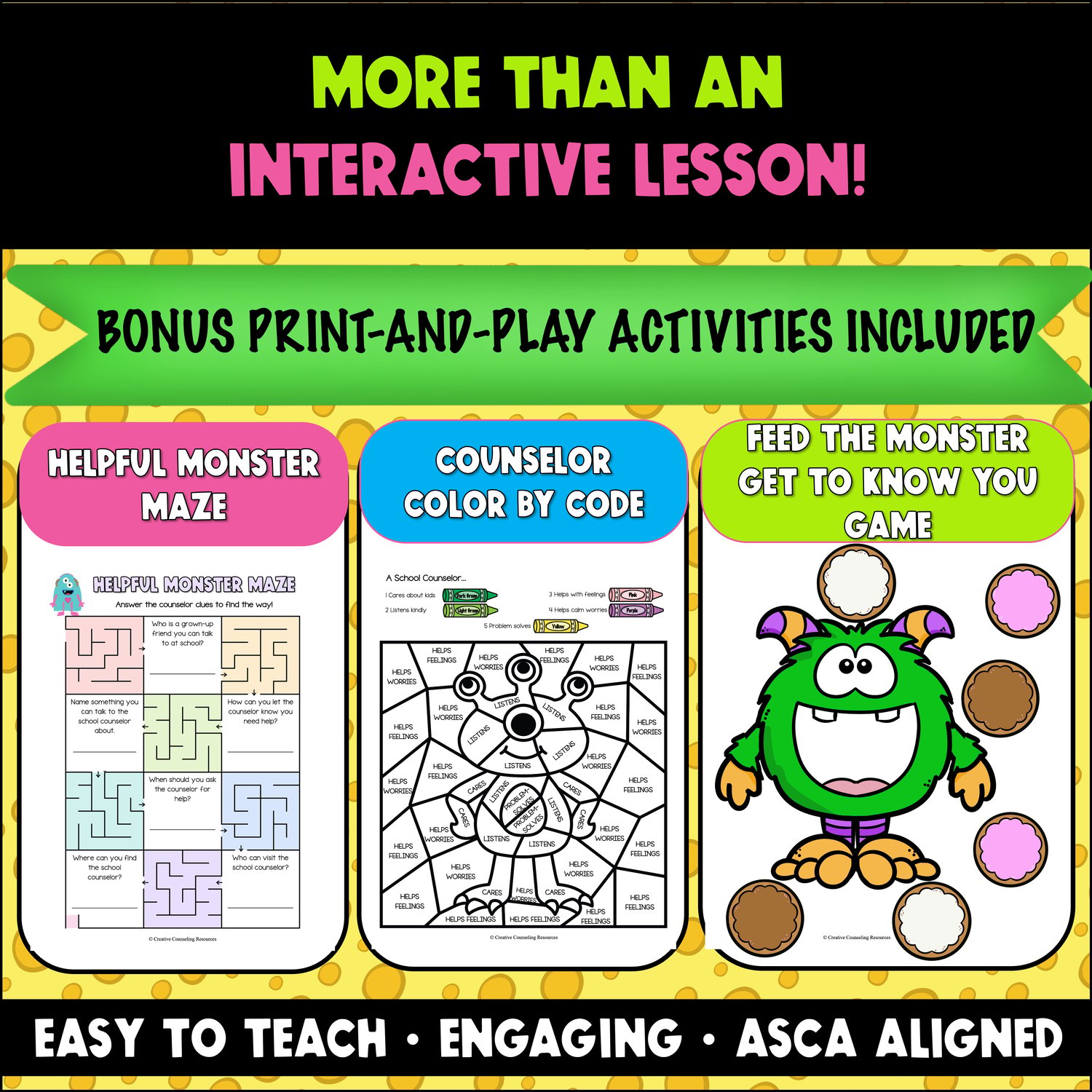
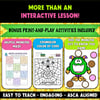
PLUS:
- ASCA-aligned Lesson Plans
- Helpful Monster Maze
- Counselor Color by Code
- Feed the Monster Get-to-Know-You Game.
Why You'll Love This Resource
⭐ Ready-to-use interactive PowerPoint so that you can start your beginning-of-year counseling lessons without hours of planning.
⭐ Click, spin, choose, solve & reveal activities so that K–2 students are actively participating—not just listening.
⭐ Kid-friendly counselor scenarios so that students understand what you can help with and when to ask for support.
⭐ Step-by-step lesson plan + ASCA alignment so that you can teach the lesson confidently from start to finish.
⭐ 3 bonus printable activities so that you have easy options for review, coloring, and getting to know your students.
Make Your Counselor Introduction One They'll Remember!
Your first counseling lesson sets the stage for whether students understand who you are and when they can come to you for help. Monster Academy makes those important concepts fun, memorable, and easy to teach. Grab this Meet the Counselor Escape Room and have your Back-to-School counselor introduction ready to go!
IMPORTANT: This interactive resource contains PowerPoint animations and must be used in Microsoft PowerPoint in Present Mode. Animations and interactive features will not work correctly in Google Slides.
Click here to see my Terms of Use
Questions? I'm here for you! Please contact me at michelle@creativecounselingresources.com
★ Like what you see? Follow me on social media! ★